For developers, QA engineers and product managers, a registration test should check the form, account state and verification message. Record delivery separately from whether the verification action works.
The old way of doing this—creating endless dummy Gmail accounts or cluttering your corporate inbox with aliases (like
[email protected])—is a major bottleneck. It’s slow, it’s messy, and it risks getting your
company domain flagged by spam filters if you test too aggressively.
The modern, professional approach is to utilize a high-speed disposable email service. Here is a step-by-step guide on how to execute efficient registration flow testing.
Step 1: Acquire a Clean Testing Credential
Prepare a synthetic recipient for the test and record the request time. Use an address whose access and retention are appropriate for the data in the test.
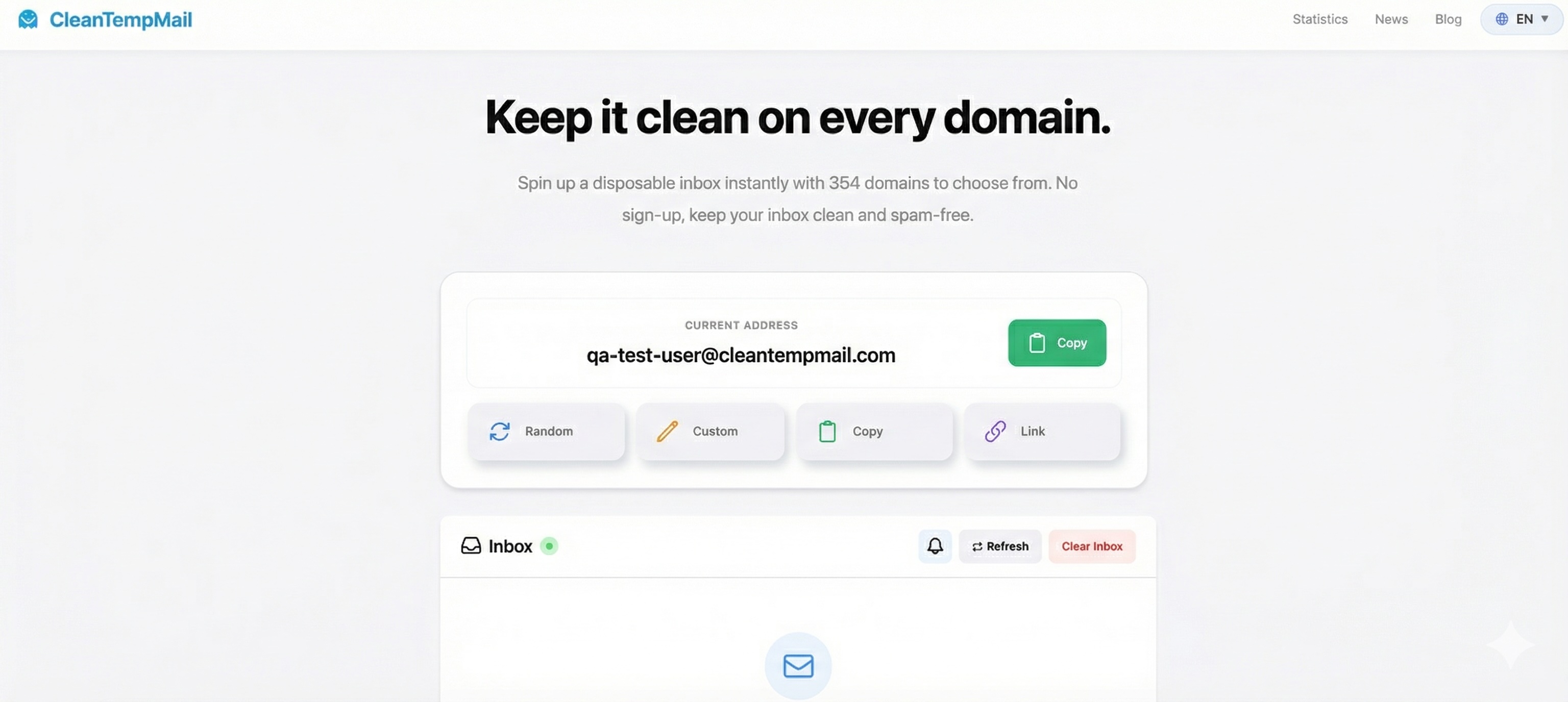
Navigate to a modern disposable email provider like CleanTempMail.com. You will be immediately presented with a unique email address generated from a clean, high-reputation domain pool. Copy this address to your clipboard with a single click.
Step 3: Verify Deliverability and Content
Return to the inbox and wait for the matching message within your test budget. Automatic updates can reduce manual refreshes, but implementation choices such as Go or MongoDB do not guarantee delivery speed.
Open the email to verify several critical elements:
- Deliverability Speed: Did it arrive within acceptable time limits (usually under 10 seconds)?
- Content Rendering: Does the HTML template look correct?
- Link Functionality: Click the "Verify Account" link to complete the end-to-end test and confirm your application's database correctly activates the user.
Step 2: Execute the Registration Action
Open your application's sign-up page in a separate browser window or incognito tab. Fill out the required fields (username, password) and paste your copied disposable email address into the email field.
Submit the form. This is critical for testing not just the UI, but also your backend's ability to handle the input and trigger your transactional email provider (e.g., SendGrid, Mailgun).
Step 4: The "Zero-Cleanup" Advantage
After the test, remove synthetic application accounts and permitted test artifacts according to your team's policy. Closing a browser tab does not necessarily delete a mailbox or the account created at another service. Message expiry follows the receiving service's configured retention behavior.
Conclusion
Using a separate test inbox can make manual QA easier to organize. Delivery and domain acceptance still depend on the systems involved. For automation, use the provider's current API documentation, correlate each run with its own message and respect request limits.